
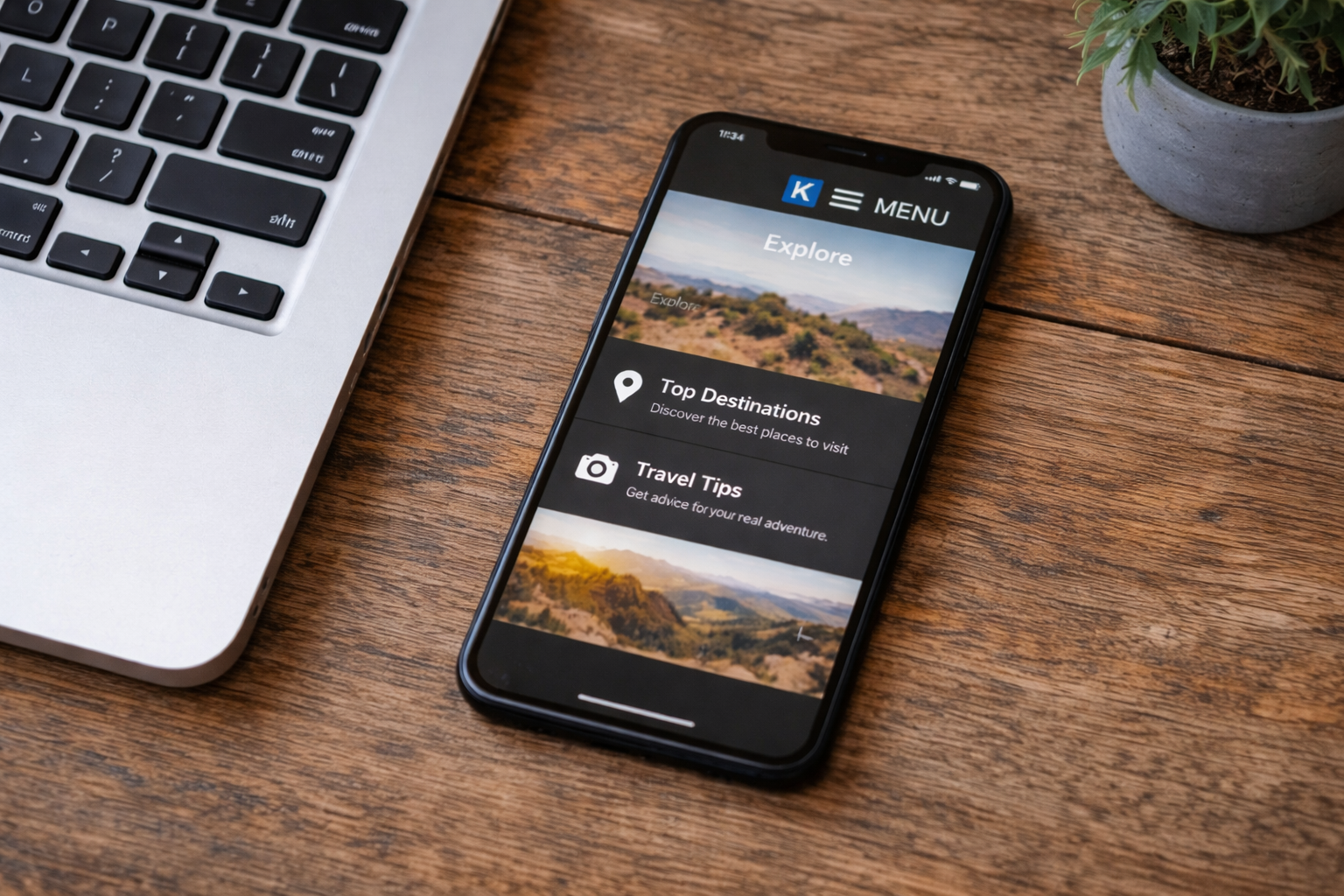
If you’re using the Kadence Advanced Header block, you may have noticed that the Off Canvas Trigger (the hamburger icon) doesn’t have an option to add a “Menu Label” the way it does inside the WordPress Customizer.
For example, in the Customizer, you can go to:
Customizer → Header → Mobile Trigger → Menu Label
and simply type “Menu” — but in the Advanced Header block, that option isn’t available.
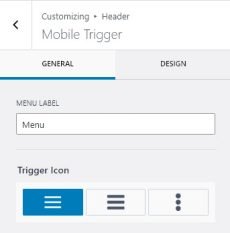
So, if you’ve built your header layout using Kadence Blocks and want to show the word “MENU” next to your mobile trigger icon, here’s a quick fix.
You can paste this in:
Customizer → Additional CSS,
or in your site’s stylesheet if you’re using a child theme.
Optional Styling Tips:
- Adjust the font-size or color to match your theme’s mobile typography.
- If the label looks too high or low, tweak the top: value slightly.
- To display it after the icon instead of before, change ::before to ::after and swap margin-right: for margin-left:.


![Add an “Affiliate Disclaimer” Widget to Your Blog Posts [Kadence]](https://cre8tivediva.com/wp-content/uploads/2025/01/austin-distel-goFBjlQiZFU-unsplash-scaled.jpg)
![Add a Sales Banner to Your [Kadence] Shop Page](https://cre8tivediva.com/wp-content/uploads/2025/02/markus-spiske-WIpNUhklTQg-unsplash-scaled.jpg)