
Thank You!
You’re in! So glad to have you here.
Signature Widget for Posts — Documentation
Getting Started with Signature Widget for Posts
1. Install & Activate Upload and install the plugin through Plugins → Add New Plugin. Once installed, click Activate.
2. Go to Your Widget Area Navigate to Appearance → Widgets.
You will see the Signature Widget for Posts area at the top of the list.
3. Add Your Signature Image
Click the + icon to add a block inside the widget area. Choose one of the following:
- Image block — the standard WordPress image block, perfect for most themes
- Kadence Image (Adv) block — recommended if you are using Kadence Blocks, as it gives you greater control over sizing and styling
4. Set Your Image Size
Once your image is added, set the width to your desired size directly inside the block settings. The plugin defaults to 400px if no size is set.
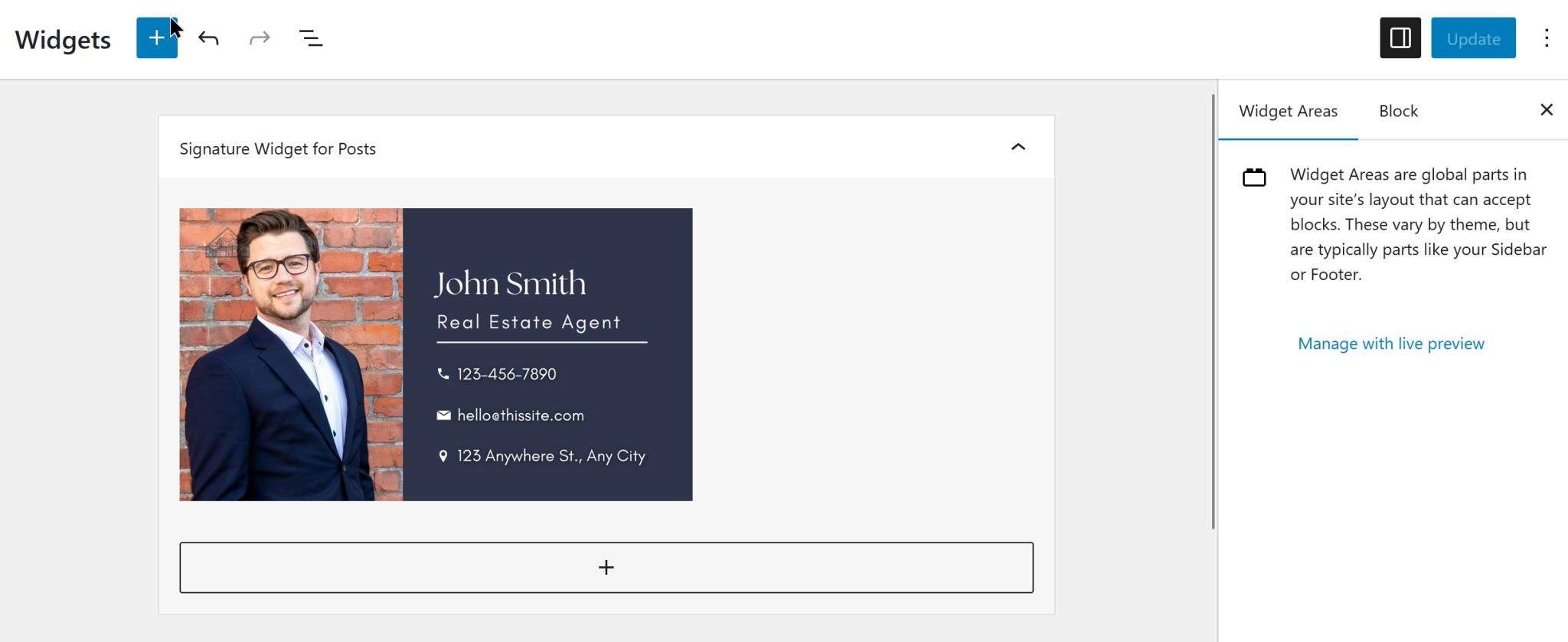
(See this example in action!)
5. Add Additional Content (Optional)
You can add other blocks alongside your signature — for example, a short closing message, a tagline, or social links — either before or after your image block.
6. Save Click Update to save your widget area.
Your signature will now appear automatically at the bottom of every blog post.
Please Note This plugin is designed for simple, straightforward use inside the widget area. For best results, add your blocks directly without wrapping them in Kadence Row and Section blocks. Nested layouts are not supported and may cause unexpected results.
Frequently Asked Questions
PNG is recommended as it supports a transparent background, which means your signature will look clean and natural on any blog post regardless of your theme’s background color.
That is entirely up to you! The plugin defaults to 400px wide, but you can set any width you like directly inside the image block settings. For a classic handwritten signature, somewhere between 250px and 400px tends to look elegant without being overwhelming.
Yes! Signature Widget for Posts works with any WordPress theme — classic, hybrid themes like Kadence, Astra, and GeneratePress, and Full Site Editing block themes.
Absolutely. You can add a short closing message, a tagline, social links, or any other simple block content alongside your signature — before or after the image. Get creative and make it your own!
Yes. Once you save your widget area, your signature appears automatically at the bottom of every single blog post — no extra steps needed.
Yes, fully! The Kadence Image (Adv) block is actually our recommended choice for Kadence users as it gives you greater control over sizing, styling, and responsive behavior.
No. Signature Widget for Posts does not collect, store, or transmit any data whatsoever.